CN Diagrams: Architecture Diagrams That Scale With Your System
Table of Contents
- 1. Introduction architectureDiagrams architecture
- 2. Why "CN"? c4Model
- 3. The Graph Paradigm graphTheory complexity
- 4. The State of Architecture Tooling marketAnalysis
- 5. How CN Works
- 6. Benefits productivity maintainability
- 7. Getting Started bootstrap ai
- 8. Contributing openSource
- 9. Conclusion
- 10. socials
- 11. tldr
1. Introduction architectureDiagrams architecture
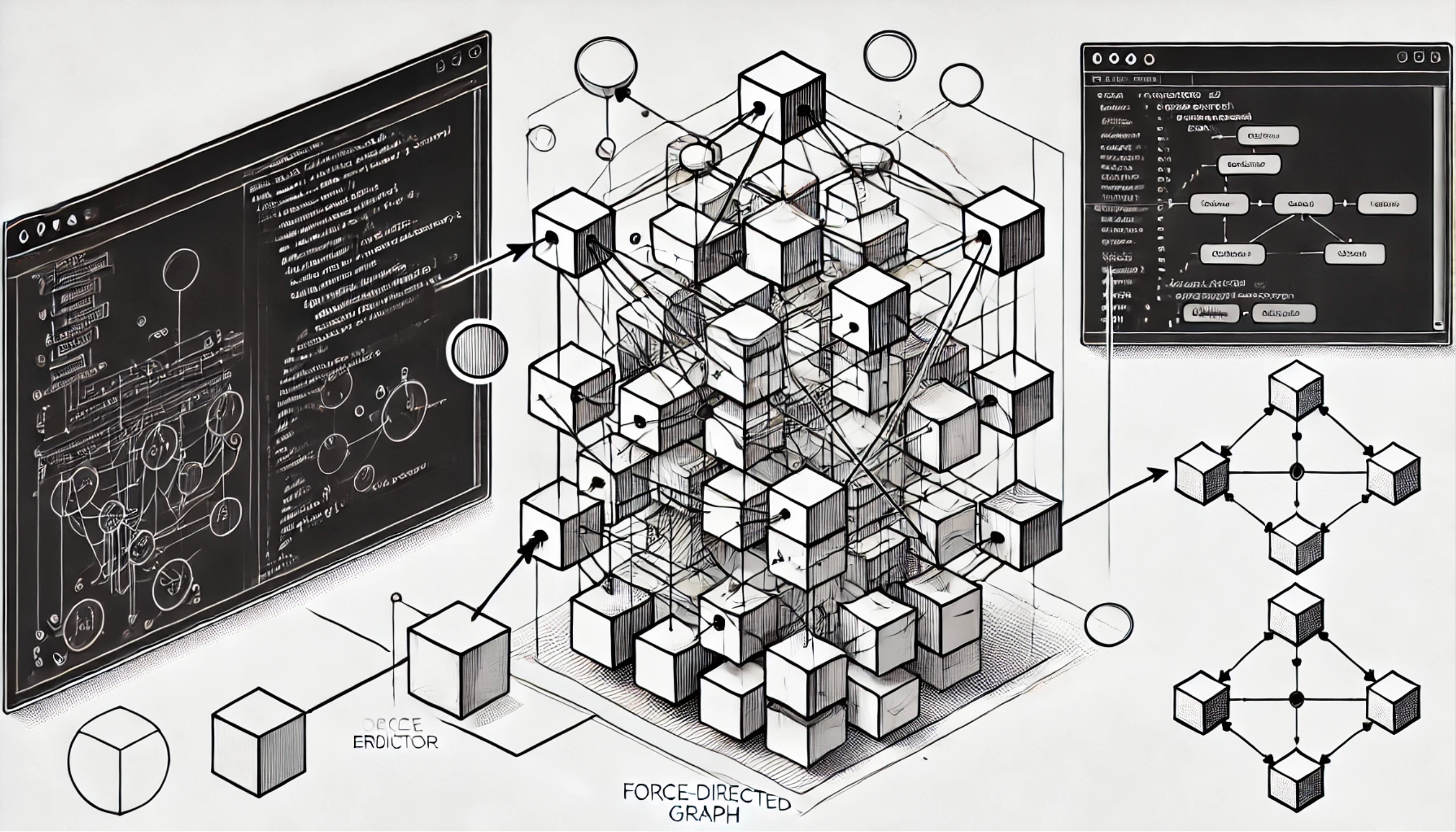
Figure 1: JPEG produced with DALL-E 4o
Every software organization eventually confronts the same uncomfortable question: where is the architecture diagram?
The answer is usually disappointing. There's a Lucidchart from three years ago that nobody updated after the microservices migration. There's a whiteboard photo in Confluence that predates half the current team. There's a Mermaid diagram in a README that shows four services when the system now has forty. The architecture exists in the heads of senior engineers who joined before the last reorg, and getting them in a room together is harder than shipping a feature.
This isn't a tooling problem in isolation – it's a workflow problem. Traditional diagramming tools force a choice between visual flexibility (drag boxes around) and maintainability (code that can be versioned). They impose rigid hierarchies that don't match how systems actually evolve. And they assume a single persona – either the engineer who thinks in code or the product manager who thinks in boxes – when real organizations need both1.
CN is my attempt to solve this (try it out at CN Diagrams). It's a diagrams-as-code tool that renders interactive architecture diagrams with support for arbitrary levels of encapsulation, provides an intuitive domain specific language (DSL) that engineers can version control, and offers a GUI that non-technical stakeholders can actually use. The goal is a single source of truth that the entire organization can maintain.
2. Why "CN"? c4Model
The name is a nod to Simon Brown's C4 model, which popularized a hierarchical approach to architecture visualization. C4 stands for Context, Containers, Components, and Code – four levels of abstraction that let you zoom from a 10,000-foot view down to implementation details2.
The C4 model was a revelation when I first encountered it. Finally, a structured way to think about architecture diagrams that acknowledged different audiences need different levels of detail! A CTO reviewing system boundaries doesn't need to see individual classes. A developer debugging a service doesn't need to see the marketing website.
But C4's fixed four-level hierarchy started to feel constraining. Real systems don't decompose neatly into exactly four layers. A Kubernetes deployment might have clusters containing namespaces containing deployments containing pods containing containers. An e-commerce platform might have domains containing bounded contexts containing aggregates containing entities. The abstraction depth varies by system, by team, and by what question you're trying to answer.
CN takes the core insight of C4 – hierarchical decomposition with zoom capabilities – and removes the artificial ceiling. The "N" represents arbitrary depth: as many levels of encapsulation as your system requires. Software is infinitely abstractable, and the diagramming tool shouldn't be the limiting factor.
3. The Graph Paradigm graphTheory complexity
Architecture diagrams are graphs. This sounds obvious, but the implications are profound.
A graph consists of nodes (components) and edges (relationships). When you modify a node, the only things that can possibly be affected are the edges connecting it to other nodes. This locality property is what makes graphs tractable for reasoning about complex systems.
Consider modifying a payment service in a large e-commerce platform. In a well-designed system with clear contracts, you don't need to understand the entire platform to make changes safely. You need to understand:
- The edges into your service (what calls you, with what data)
- The edges out of your service (what you call, with what data)
Everything else is irrelevant to your change. The recommendation engine, the inventory system, the customer support portal – they're all behind the graph's locality boundary. As long as you maintain your contracts (the edge definitions), changes stay contained.
This is why CN renders architectures as force-directed graphs using Cytoscape.js. The visual representation reinforces the mental model: nodes cluster naturally, edges reveal dependencies, and the structure emerges from relationships rather than arbitrary positioning3.
Of course, this only works when organizations invest time and elbow grease in defining, testing, and enforcing contracts between components – ESPECIALLY across bounded contexts…. Depending on the size of your existing system, this may be a significant cultural shift, and rather a lot of work.
But that's precisely the kind of discipline that architecture diagrams should encourage. When you can see that your service has fifteen incoming edges, you might think twice before making a breaking change. And luckily for the overwhelmed, there are ways to bootstrap out of the hardest parts of getting started (7).
4. The State of Architecture Tooling marketAnalysis
The architecture diagramming space splits roughly into two camps, each with significant limitations.
4.1. Visual-First Tools
Tools like Lucidchart, Miro, and diagrams.net prioritize visual flexibility. You drag boxes, draw arrows, and arrange things until they look right. This actually works really well for initial brainstorming and produces attractive outputs.
But these tools don't scale with organizational complexity. Changes require manual updates to visual layouts. There's no good story for version control – you're comparing screenshots or trusting proprietary diff algorithms. And when the diagram gets complex enough to need multiple views, you're maintaining multiple documents with no guarantee of consistency.
4.2. Code-First Tools
Tools like Mermaid, PlantUML, and Structurizr prioritize maintainability through code. Diagrams are defined in text files that can be versioned, diffed, and reviewed like any other code artifact.
The trade-off is flexibility. Layout control is limited – you're at the mercy of automatic algorithms that may not produce readable results. Each tool has its own DSL syntax, creating lock-in. And crucially, these tools are engineer-focused; asking a product manager to edit PlantUML syntax is asking for trouble, lol. 4
Structurizr deserves special mention as the most sophisticated option in this space. It's built around the C4 model and supports generating multiple views from a single model. But it inherits C4's four-level limitation, has a steeper learning curve, and still requires technical knowledge to maintain.
4.3. Where CN Fits
CN attempts to bridge both camps. The underlying representation is code – a YAML-based DSL that engineers can version control. But the primary interface is a visual editor with bidirectional sync: changes in the GUI update the code, and changes in the code update the GUI.
This dual-interface approach means the engineering team can maintain the diagram through pull requests while product and design can make updates through point-and-click interactions. Everyone works on the same artifact.
5. How CN Works
CN provides several capabilities that address the challenges outlined above.
5.1. Hierarchical Encapsulation
Nodes can contain other nodes to arbitrary depth. A "Payment Domain" node might contain "Payment Gateway", "Fraud Detection", and "Settlement" nodes. The "Fraud Detection" node might itself contain "ML Scoring", "Rules Engine", and "Manual Review" nodes. There's no artificial limit.
The UI provides expand/collapse controls at each level, letting viewers drill into areas of interest while keeping the rest of the diagram manageable. This is the zoom capability from C4, generalized.
5.2. Bidirectional Editing
The DSL editor and visual canvas stay synchronized. Add a node in the code, it appears on the canvas. Drag an edge in the canvas, the code updates. This eliminates the choice between maintainability and accessibility – you get both.
5.3. Real-Time Visualization
Changes render immediately. There's no compile step, no waiting for diagram generation. This tight feedback loop makes iterative design natural.
5.4. Example Templates
CN ships with several example architectures – Simple Web App, E-Commerce Platform, Cloud Platform, Event-Driven Architecture, FinTech Platform – that demonstrate patterns and provide starting points for new diagrams.
You can try CN directly at the CN Diagrams page on my blog.
6. Benefits productivity maintainability
Adopting CN – or any architecture documentation discipline – provides concrete benefits to engineering organizations.
6.1. Accelerated Onboarding
New team members can explore the system visually before diving into code. The hierarchical structure provides natural learning paths: start with the high-level context, then drill into your team's domain, then into specific services. This is dramatically faster than assembling mental models from scattered README files and tribal knowledge.
6.2. Reduced Coordination Overhead
When everyone references the same diagram, discussions about system changes become more productive. Instead of "I think we have a service that handles X," you can point to specific nodes and edges. Architecture review meetings can focus on proposed changes rather than establishing baseline understanding.
6.3. Impact Analysis
The graph structure makes dependency analysis explicit. Before modifying a service, you can inspect its edges to understand what might be affected. This doesn't replace thorough testing, but it does reduce surprise.
6.4. Documentation That Stays Current
Because the diagram lives in version control and updates are simple (either GUI or code), there's a realistic chance of keeping it accurate. Contrast this with documentation that requires a dedicated effort to update – it will always drift.
7. Getting Started bootstrap ai
The hardest part of architecture documentation is the initial investment. Mapping an existing system is tedious work, and teams are usually too busy building features to spend hours, let alone weeks, drawing boxes.
This is where AI assistance becomes valuable. LLMs excel at understanding structured code, and CN's DSL is exactly that – structured code. An AI agent can crawl a codebase, identify services and their relationships, and generate an initial CN diagram as a starting point.
The workflow looks like this:
- Point an agent at your GitHub repository (or local codebase)
- The agent analyzes directory structure, imports, API calls, and configuration
- It generates a CN DSL file representing the discovered architecture
- Engineers review and refine the generated diagram
- The refined diagram becomes the maintained source of truth
The generated diagram won't be perfect. AI agents make mistakes, and they can only discover relationships that are explicit in code. But a 70% accurate starting point that takes minutes to generate is more useful than a blank canvas that takes weeks to fill. This first-pass strategy lowers the barrier to getting started with architecture documentation.
This bootstrap approach leverages diagrams-as-code in a way that visual tools can't match. You can't ask an AI to drag boxes to the right positions in Lucidchart (at least, not yet). But you can absolutely ask it to generate structured YAML that describes your system's components and relationships. In fact, LLMs are phenomenally good at generating and understanding structured text, and YAML is a great candidate.
8. Contributing openSource
CN is open source under the MIT license. The source code is available at github.com/chiply/cn-diagrams.
8.1. Tech Stack
For those interested in contributing, CN is built with:
- SvelteKit - Application framework
- Cytoscape.js - Graph rendering engine
- CodeMirror - DSL editor component
- YAML - DSL format for diagram definitions
- Vercel - Deployment platform
The codebase is TypeScript throughout, with Svelte 5 runes for reactivity.
8.2. How to Contribute
Contributions are welcome in several forms:
Bug Reports: If something doesn't work as expected, open an issue with steps to reproduce. Include your browser and any error messages from the console.
Feature Requests: Have an idea for improvement? Open an issue describing the use case and proposed solution. Discussion before implementation helps ensure alignment.
Pull Requests: For code contributions, fork the repository, create a feature branch, and submit a PR. Please include tests for new functionality and ensure existing tests pass.
Documentation: Improvements to README, inline comments, or example diagrams are valuable contributions that don't require deep code knowledge.
The project is young, and there's significant opportunity to shape its direction. Community feedback on what works, what doesn't, and what's missing will determine where CN goes next.
9. Conclusion
Architecture diagrams shouldn't be artifacts that exist for compliance or decoration. They should be living documents that help teams understand, communicate about, and evolve their systems.
CN is an attempt to make that practical by removing the barriers that cause architecture documentation to become stale: the rigid hierarchies that don't match real systems, the choice between maintainability and accessibility, and the assumption that only one persona – engineer or non-technical – will maintain the diagram.
Whether or not CN specifically fits your needs, I hope the ideas resonate: graphs as the fundamental model for system relationships, arbitrary encapsulation depth over fixed hierarchies, and dual interfaces that serve different personas working on the same artifact.
Try it at CN Diagrams. Browse the source at github.com/chiply/cn-diagrams. If you build something interesting or have feedback, I'd love to hear about it.
11. tldr
*tl;dr: CN is a new open-source architecture diagramming tool that bridges the gap between code-based maintainability and visual accessibility. The problem is universal: architecture diagrams become stale because traditional tools force teams to choose between drag-and-drop flexibility (which doesn't version control) and code-based definitions (which non-engineers can't edit). CN extends Simon Brown's C4 model by removing the four-level hierarchy limit – the "N" represents arbitrary depth, letting you zoom from system context down to any level of detail your architecture requires.
Architecture diagrams are fundamentally graphs, and CN embraces this with force-directed layouts that reveal natural clustering and dependencies. This locality property means you only need to understand immediate connections when making changes, not the entire system. Current tools fall into two camps: visual-first options like Lucidchart that don't scale, and code-first options like Mermaid that alienate non-technical users. CN solves this with bidirectional editing – changes in the YAML-based DSL update the visual canvas, and GUI edits update the code.
Key features include hierarchical encapsulation (nodes can contain nodes indefinitely), real-time visualization with no compile step, and example templates for common architectures. The payoff is concrete: faster onboarding as new engineers explore visually, reduced coordination overhead with a single source of truth, explicit dependency analysis through the graph structure, and documentation that actually stays current because it's easy to update.
The bootstrap strategy leverages AI to crawl codebases and generate initial diagrams, lowering the barrier to adoption – a 70% accurate starting point beats a blank canvas. CN is MIT-licensed and built with SvelteKit, Cytoscape.js, and CodeMirror, welcoming contributions from bug reports to pull requests. Try it at the CN Diagrams page or explore the source at github.com/chiply/cn-diagrams.
Footnotes:
1
This tension – between engineers who want code and stakeholders who want visuals – is everywhere in software documentation. CN isn't the only tool trying to bridge it, but it's opinionated about doing so through bidirectional sync rather than separate artifacts.
2
If you're not familiar with C4, Simon Brown's website is the canonical reference. The model has influenced how an entire generation of architects thinks about documentation. Brown also created Structurizr, the most sophisticated C4-focused tool.
3
In fact, CN intentionally protects the engineer/designer against this arbitrtary positioning, and renders the diagram in such a way that it is determistic based on the graph structure. This is important for maintainability, as it prevents users from needing to manually rearrange nodes when the underlying structure changes, and pledges a relatively consistent layout over time.
4
By the way, asking software engineers to edit visual diagrams is also asking for trouble 😉.